



Empower
최신 정보를 제공하고 효율성을 높이는 데 도움이 되는 앱
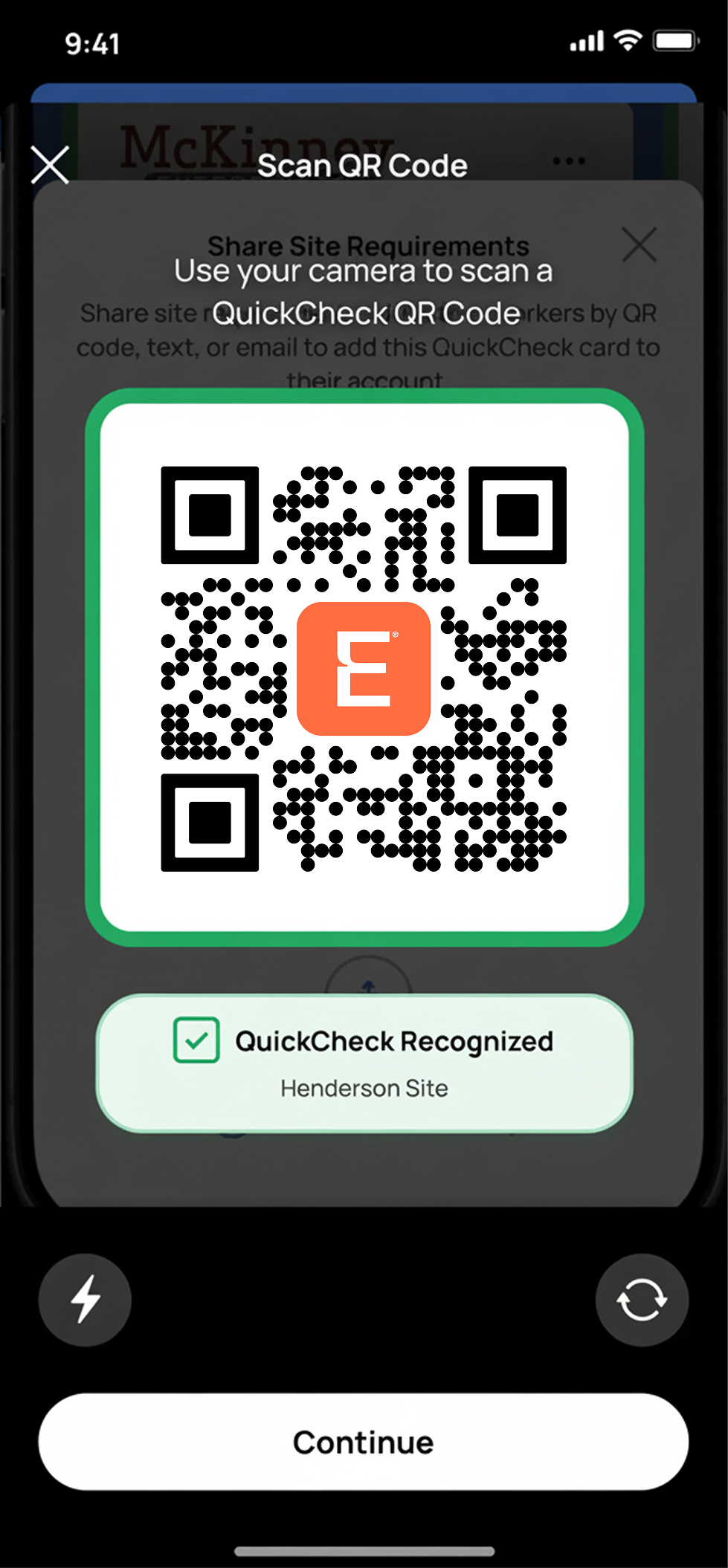
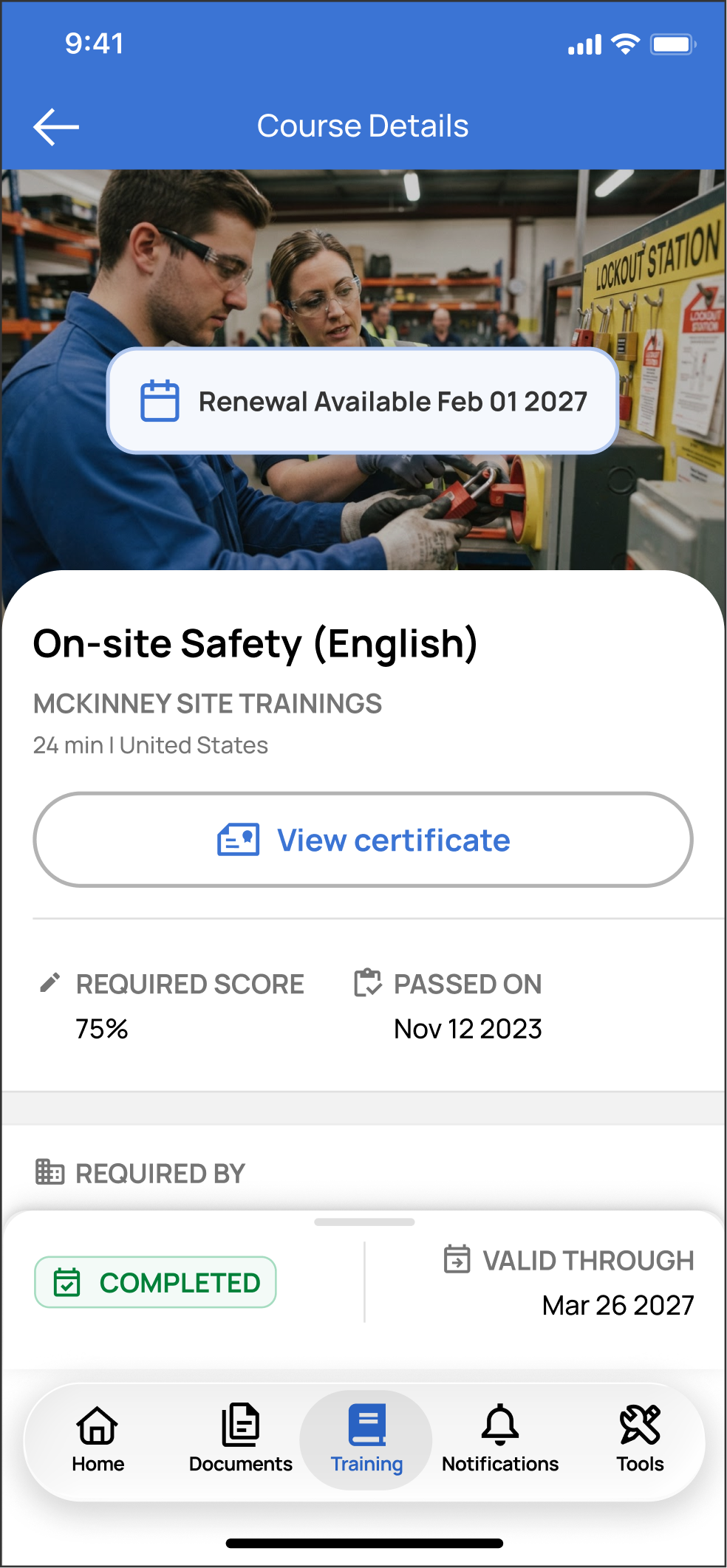
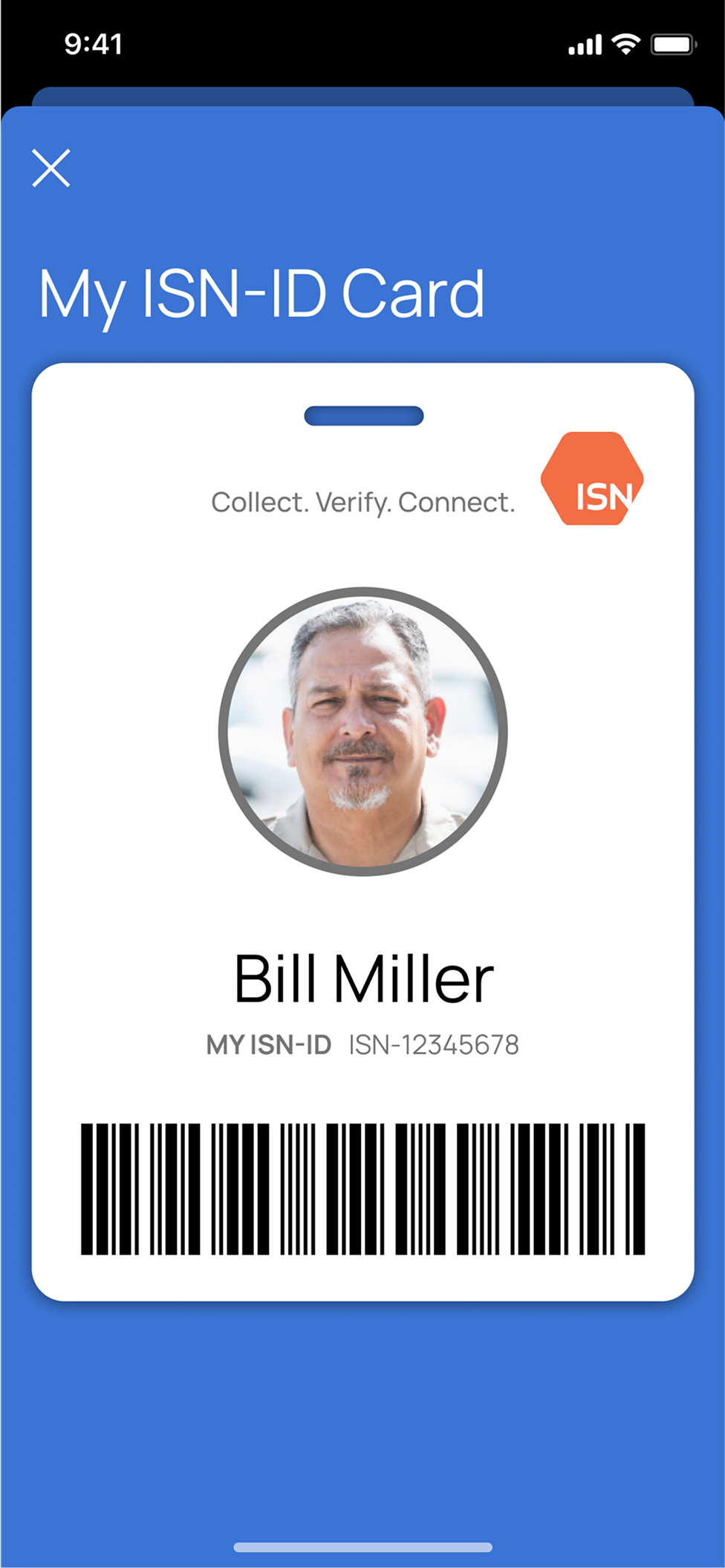
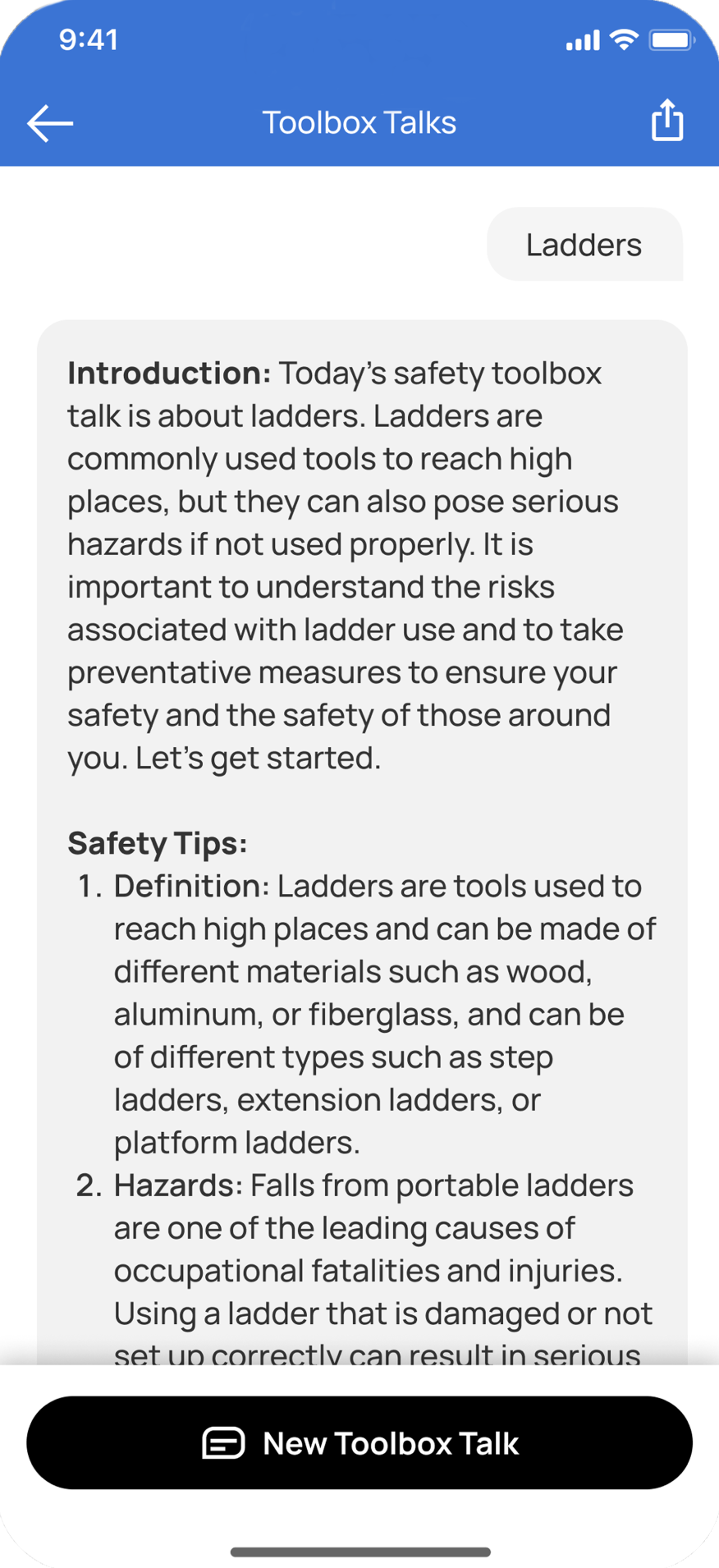
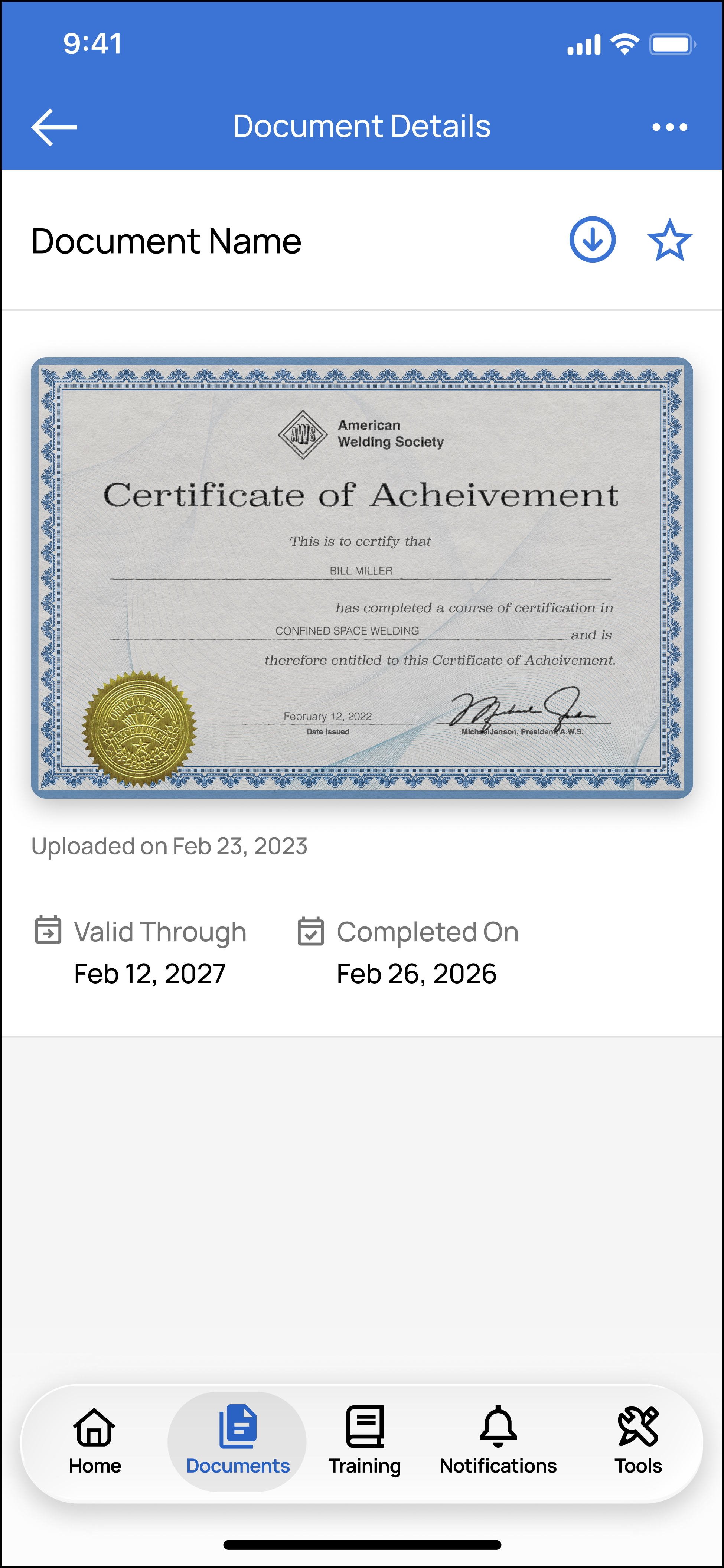
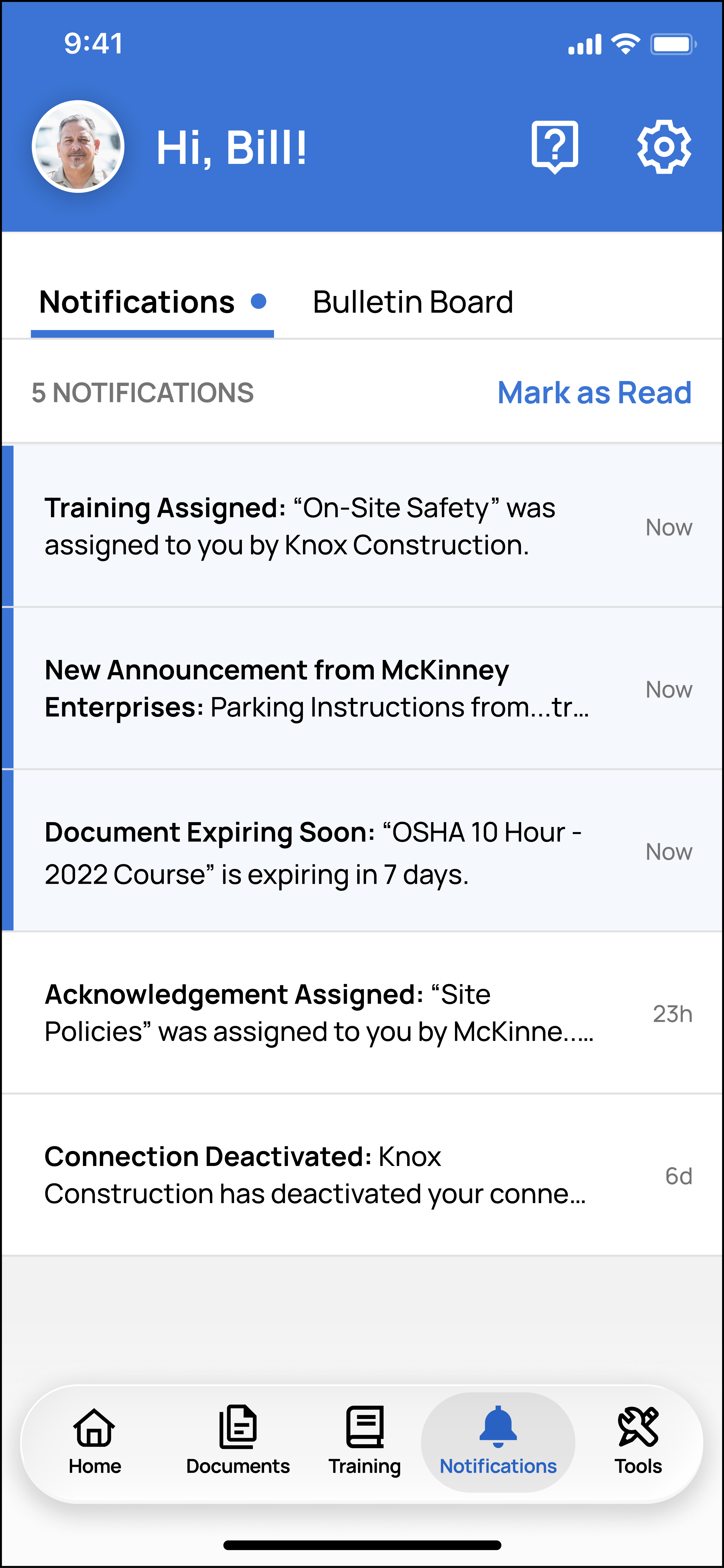
Empower는 근로자를 위한 ISN의 모바일 앱입니다. 일선 근로자는 Empower를 사용하여 ISN ID, 작업 현장 요구사항, 인증, 준수 상태, 이동 중에 완료할 수 있는 트레이닝, AI 기반 Toolbox Talks 등을 포함한 작업 준비 정보에 액세스하고 이를 관리함으로써 혜택을 누릴 수 있습니다.
무엇을 망설이시나요? ISNetworld® ID가 있다면 지금 Empower를 다운로드하여 시작해 보십시오.
근로자 여러분, 지금 Empower 앱을 다운로드하십시오.


Empower를 통해 근로자는 다음에 액세스할 수 있습니다.
원활한 업무 진행을 돕는 도구
Empower 앱은 근로자를 염두에 두고 제작되었습니다. 이동 중 트레이닝, 인증 관리, 준수 상태 확인 등 다양한 기능을 통해 모든 현장에 대비할 수 있도록 지원합니다.
AI 기반
Toolbox Talks
안전을 강화하는 직원 회의
직원들의 다음 안전 회의를 주재하는 데 필요한 모든 요소를 제공합니다.
Empower를 활용하는 방법
자주 묻는 질문
이 섹션에서는 Empower 앱에 관한 가장 일반적인 질문에 대한 지원을 제공합니다. 질문에 대한 답변을 찾을 수 없는 경우, 당사에 문의하여 자세한 내용을 알아보십시오.
Empower는 현재 영어로 제공됩니다. 지원되는 언어가 곧 추가될 예정입니다!
Empower는 현재 미국과 캐나다에서 사용할 수 있습니다. 다른 국가와 지역에서도 곧 제공될 예정입니다!
- Step 1: Download the Empower App
- Available on iPhone and Android
- Available on iPhone and Android
- Step 2: Sign Up or Log In
- Open the app and select Sign Up (new users) or Log In (existing users)
- Enter your phone number and request a verification code
- Step 3: Connect to Your Company
- Tap the “+” button on the home screen
- Select Add a Connection
- Enter your ISN-ID and accept the Terms & Conditions
To update your phone number from the login page:
- Select Trouble Logging In on the login page
- Enter the phone number associated with your previous Empower account (this helps us locate your previous account)
- Enter your email address to receive a verification code
- If needed, you will have the option to update your email
- Enter your phone number to receive a verification code
- If needed, you may also update your phone number
- Once information is verified, you will access your updated Empower account
To update your phone number within the Empower app:
- Select the Settings icon in the upper-right corner of your Empower home screen
- Select Security & Privacy
- Select Delete My Personal Information
- Close the Empower app and wait 10–15 minutes
- Reopen the app and select Trouble Logging In
- Enter the phone number and email associated with your previous Empower account
- Submit necessary verification codes
- Once verified, you will be able to update your phone number
Empower는 근로자를 위한 ISN의 모바일 앱입니다. 일선 근로자는 Empower를 사용하여 작업 준비 정보에 액세스함으로써 혜택을 누릴 수 있습니다. 근로자는 앱을 통해 ISN ID, 작업 현장 요구사항에 액세스하고, 규정 준수 상태를 확인하며 이동 중에도 교육을 완료하고 작업 준비 정보를 관리할 수 있습니다.
아니요. 현재 모든 ISNetworld 계약업체 가입자는 추가 비용 없이 Empower를 사용할 수 있습니다.
ISNetworld 구독자는 이메일 또는 문자를 통해 직원들을 쉽게 초대할 수 있으며, 초대 도구는 ISNetworld 계정에서 확인할 수 있습니다. 여기를 클릭하여 직원들을 Empower에 가입하도록 초대하십시오.
Empower에 참여하고 있는 경우 ISNetworld 계정의 직원 섹션에 있는 활성 직원은 회사의 ISNetworld 계정에 연결할 수 있습니다.
아니요. 고용주가 고용 클라이언트 고용주(HCE) 계정을 보유하고 있지 않은 경우 Empower는 계약업체 직원으로 제한됩니다. 확실하지 않은 경우 ISN 계정 팀에 문의하십시오.